A little behind the scenes of XBOX Labs
I want to share a little behind the scenes of labs.xbox.com. A lot of love went into making every part of it feel just right, and much of that love lives in details that are easy to miss at first glance.
Art-directing shaders in real time
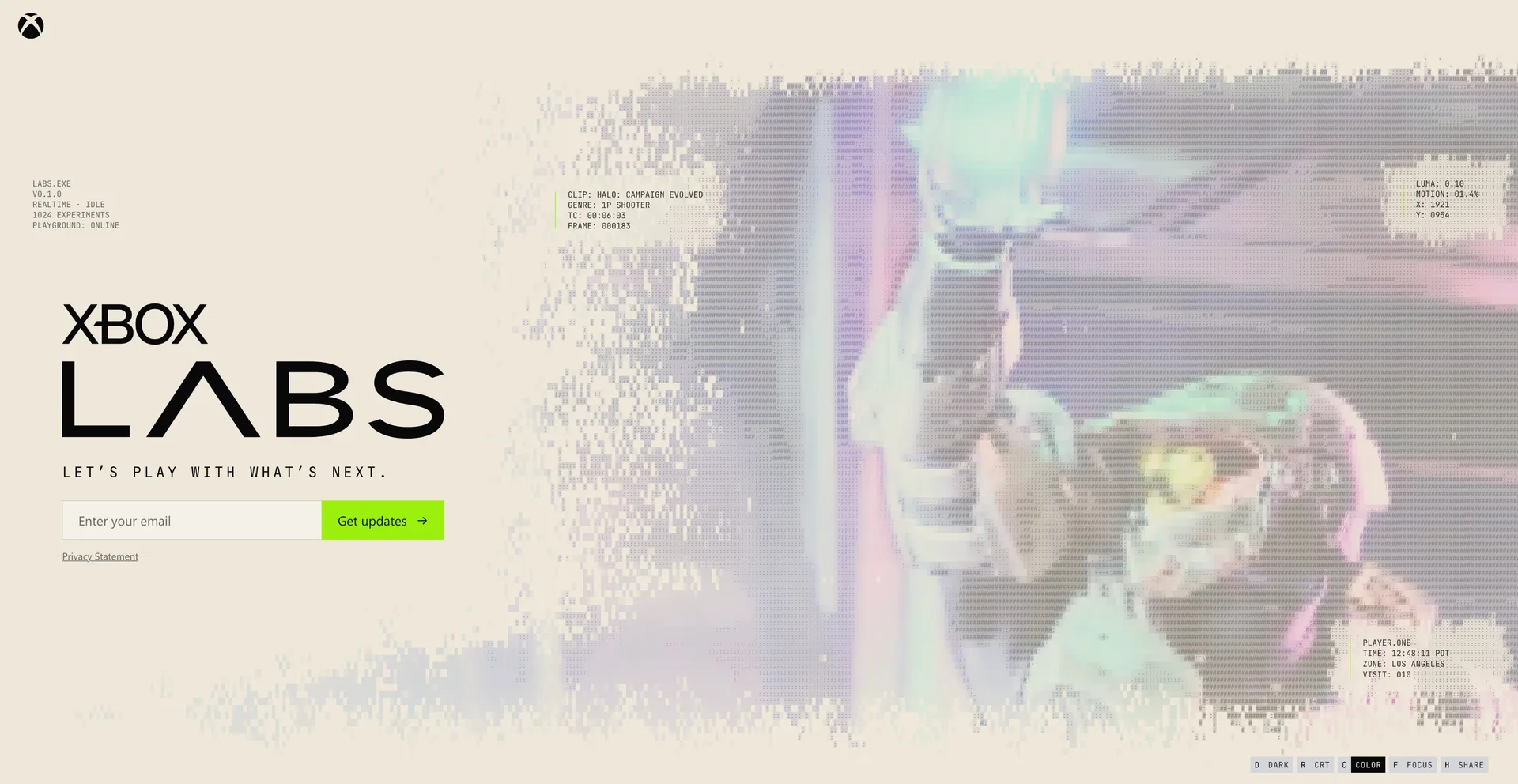
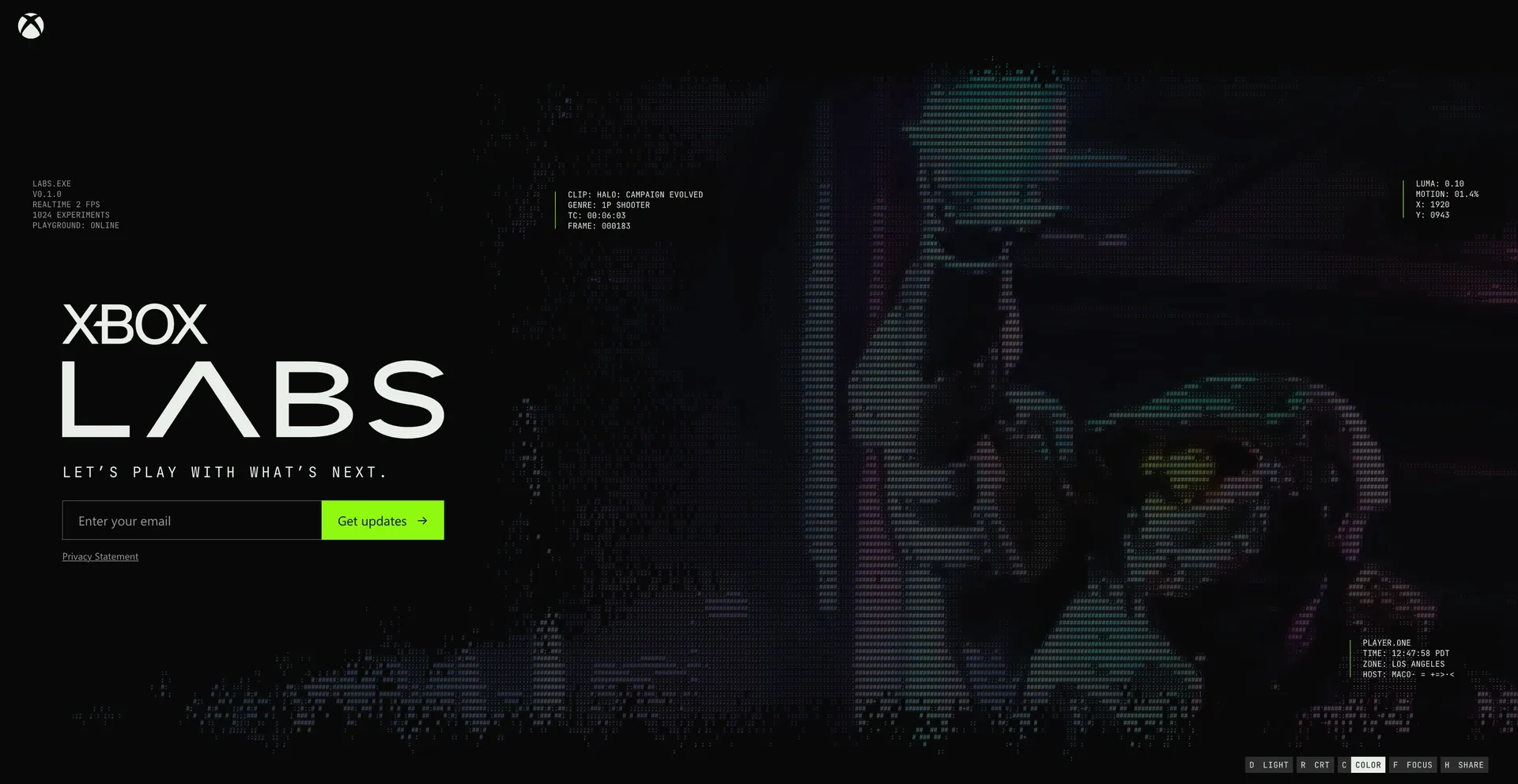
The homepage turns game footage into interactive ASCII art. To get the look right, we built some fun tools to art-direct the shaders in real time: a small panel to tweak saturation, density, glyphs, and more while watching clips from games like Halo, Sea of Thieves, and Gears of War change instantly. Being able to dial things in live made it easy to keep experimenting until it felt right.
It’s also meant to be played with, not just watched. Move your mouse and you leave a colorful trail that reveals the original footage underneath, or interact with the video to trigger bursts of particles.
One art direction everywhere
We wanted the whole site to feel cohesive, so the same art direction carries through beyond the homepage. Dialogs pick it up too, so opening one feels like part of the same experience rather than a detour.
The site also comes in two flavors, a cream mode and a dark mode, both built on the same visual language.
The tiny details
Some of my favorite parts are the ones you might not notice right away. As you move the mouse around, the video gently tilts to follow it, then smoothly straightens itself when you enter focus or theater mode.
And last but not least, even the forms get the same treatment, all the way down to signing up for updates.
More to come
This is just the beginning, and there’s more to come ✨ In the meantime, go play with it at labs.xbox.com. If you have thoughts, I’d love to hear them; you can reply to the thread on X.